Your team, after the hire.
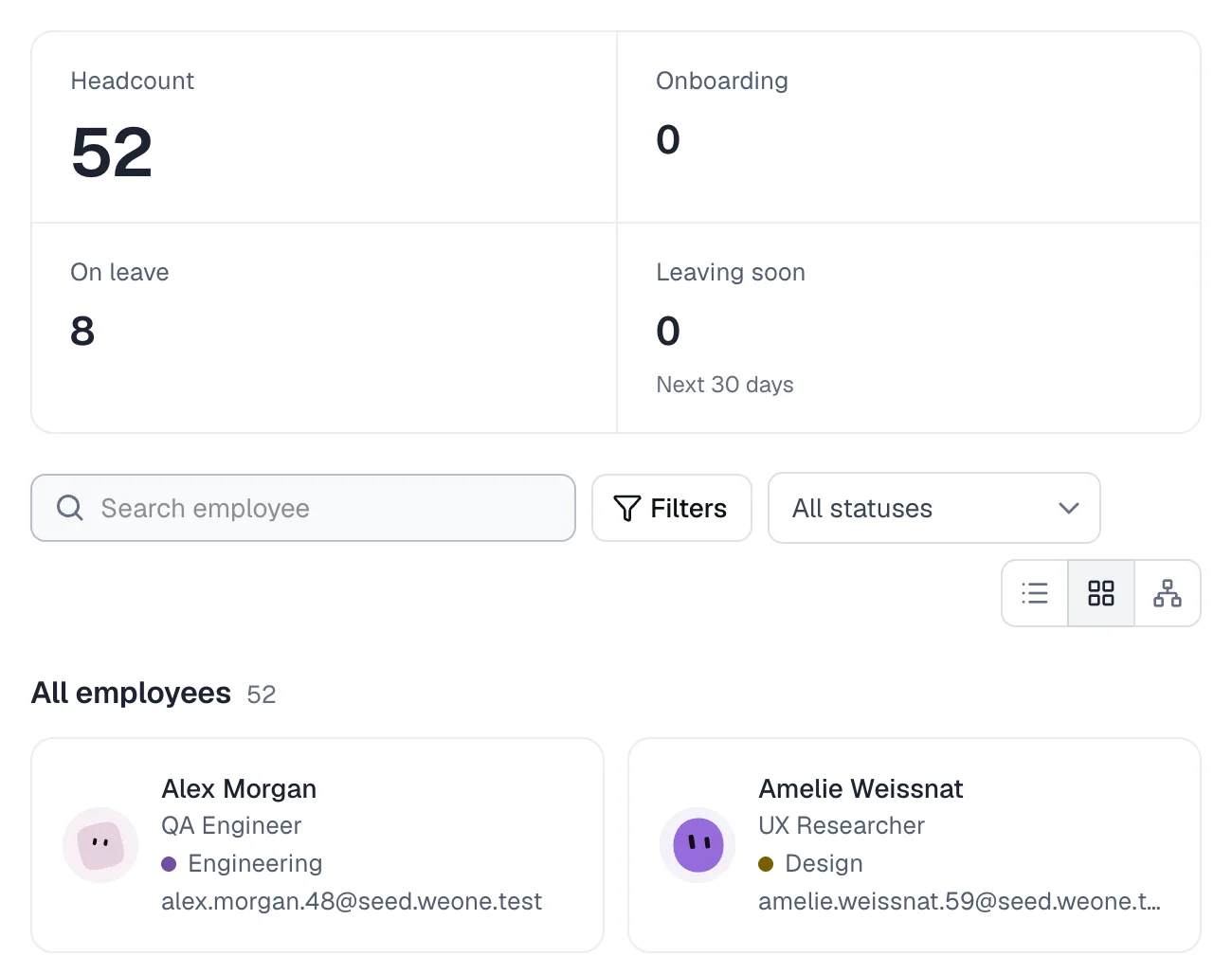
weone People keeps each employee’s record, time off, onboarding, timesheets, reviews and surveys in the same app where you hired them, with no payroll or benefits. A signed offer becomes the employee record, so nobody types the new hire in twice.
Six parts, one record
Time off
Leave types and balances, requests that go to the right approver with an overlap check, a team calendar and starting leave rules for seven countries.
Read more: Time offEmployee onboarding
From the signed offer to day 90: steps with owners and due dates, a form the new hire fills in, check-ins and a probation review.
Read more: Employee onboardingEmployee records
A profile per employee with dated job history and documents, an org chart and a directory, and CSV import from your spreadsheet.
Read more: Employee recordsEmployee time tracking
Clock in and out or type the hours, each week against the work schedule, approved by the manager, with warnings and a CSV export.
Read more: Employee time trackingPerformance reviews
A self-review and a manager review with questions you can edit, shared when the manager is ready and acknowledged by the employee.
Read more: Performance reviewsEmployee surveys
Anonymous or confidential surveys and eNPS, sent in the app, with results once 3 people have answered.
Read more: Employee surveys
From candidate to employee
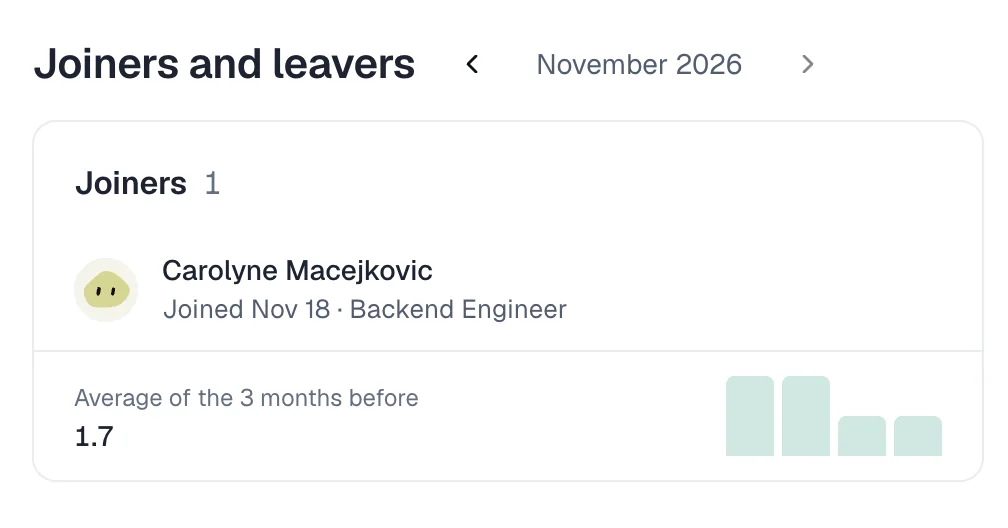
When a candidate accepts the offer, by e-signature or marked by you, weone creates their employee record from the offer and the job. Their onboarding starts from the same record.
- Job title, department, manager, office and start date come from the offer and the job.
- “Wrap up the hire” sends the first-day calendar invite and starts their onboarding steps.
- Someone you did not hire in weone? Add them by hand or import a CSV.
Who sees what
Employees log in and see only their own things. Only the people who run hiring take a paid seat.
| Role | Sees | Paid seat |
|---|---|---|
| Owner | SeesEverything, including billing. | Paid seatYes |
| Admin | SeesSettings, employees and all of hiring. | Paid seatYes |
| HR admin | SeesEmployees, time off and documents, and hiring. No billing, members or integrations. | Paid seatYes |
| Recruiter | SeesJobs, candidates and interviews. No workspace settings. | Paid seatYes |
| Interviewer | SeesOnly the jobs they are added to. | Paid seatNo, free |
| Employee | SeesTheir own profile, time off, documents, timesheets and reviews, and the surveys sent to them. | Paid seatNo |
Your headcount, without a spreadsheet
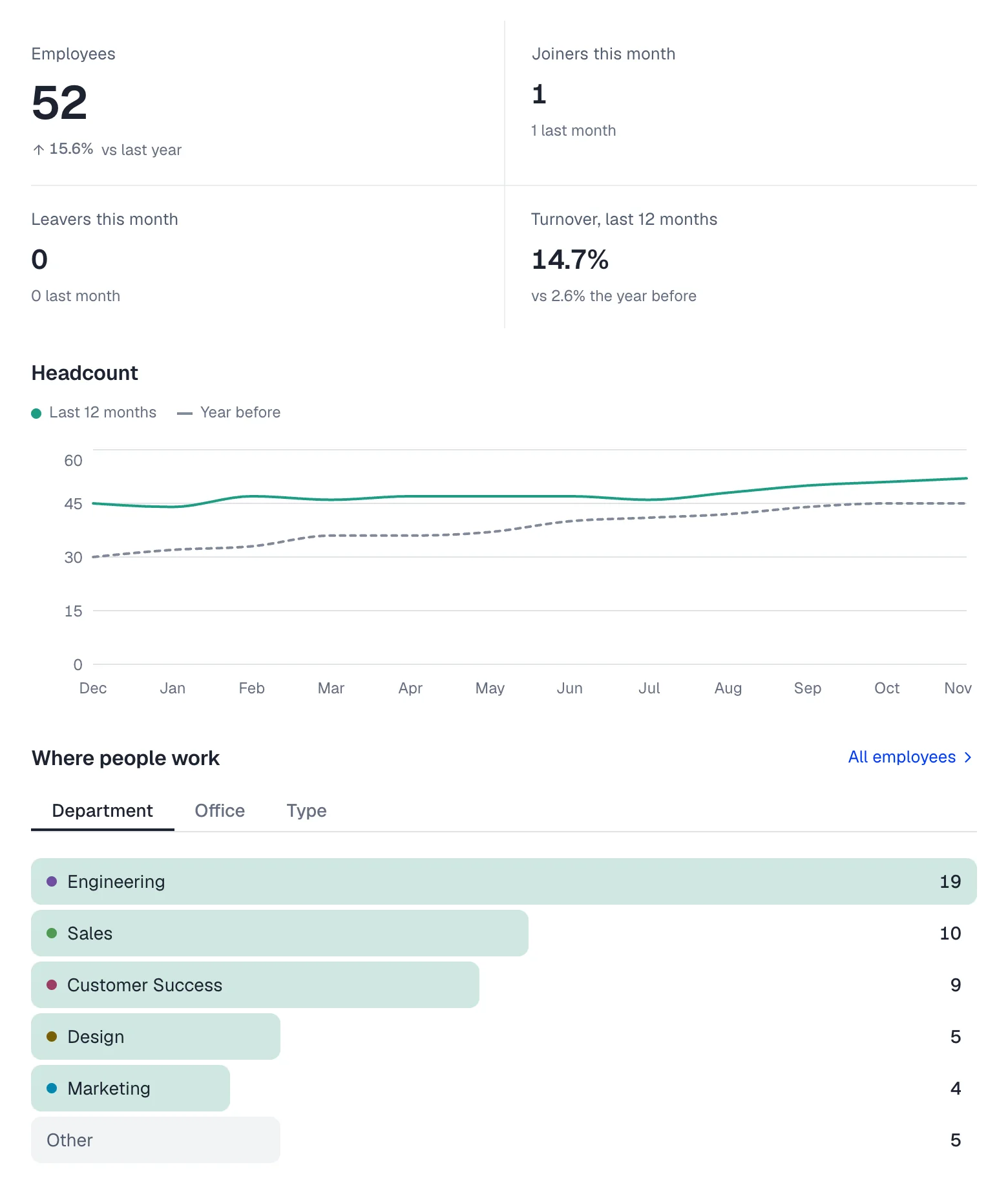
Home gives each role its own grid of cards, which each person can arrange. For People admins it shows how many people you employ, who joined and left this month, turnover over the last 12 months and where people work by department, office and type. Groups of fewer than three people are folded into “Other”.
What People does not do
weone is for hiring and the people you hire. A few things stay with other tools, and we would rather say so here than in a sales call.
Payroll and tax filing
weone does not pay anyone or file taxes. Keep your payroll provider.
Benefits
No benefits enrolment or administration.
Goals, 1:1s and 360 reviews
Reviews are a self-review and a manager review. There are no goals, 1:1 meetings or peer reviews.
Project time and location
Timesheets record hours, not projects, clients or where people clock in. Time off is counted in days, with no hourly accrual.
US hiring forms
I-9, E-Verify and W-4 stay with the official forms or your payroll provider.
What People costs
People is on every plan, Free included, in team workspaces. It is $6 per employee a month, from the first employee. Employees never take a recruiter seat.
Questions about People
Hire someone, then keep them on the same record.
Start on the Free plan and add People at $6 per employee a month.